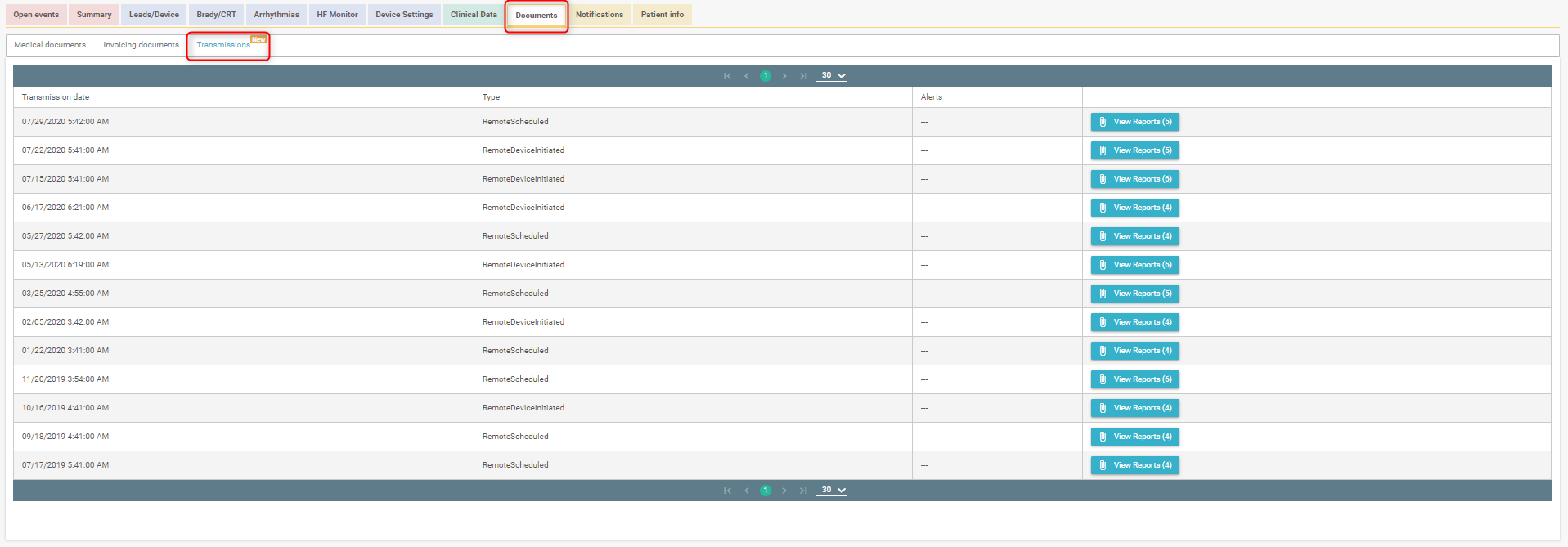
The "Documents" tab on the patient profile allows you to access to documents related to the patient's medical history.

The first section lists all patient documents available on the platform. This is divided into two tabs:
- Medical documents
- Billing documents
Medical documents
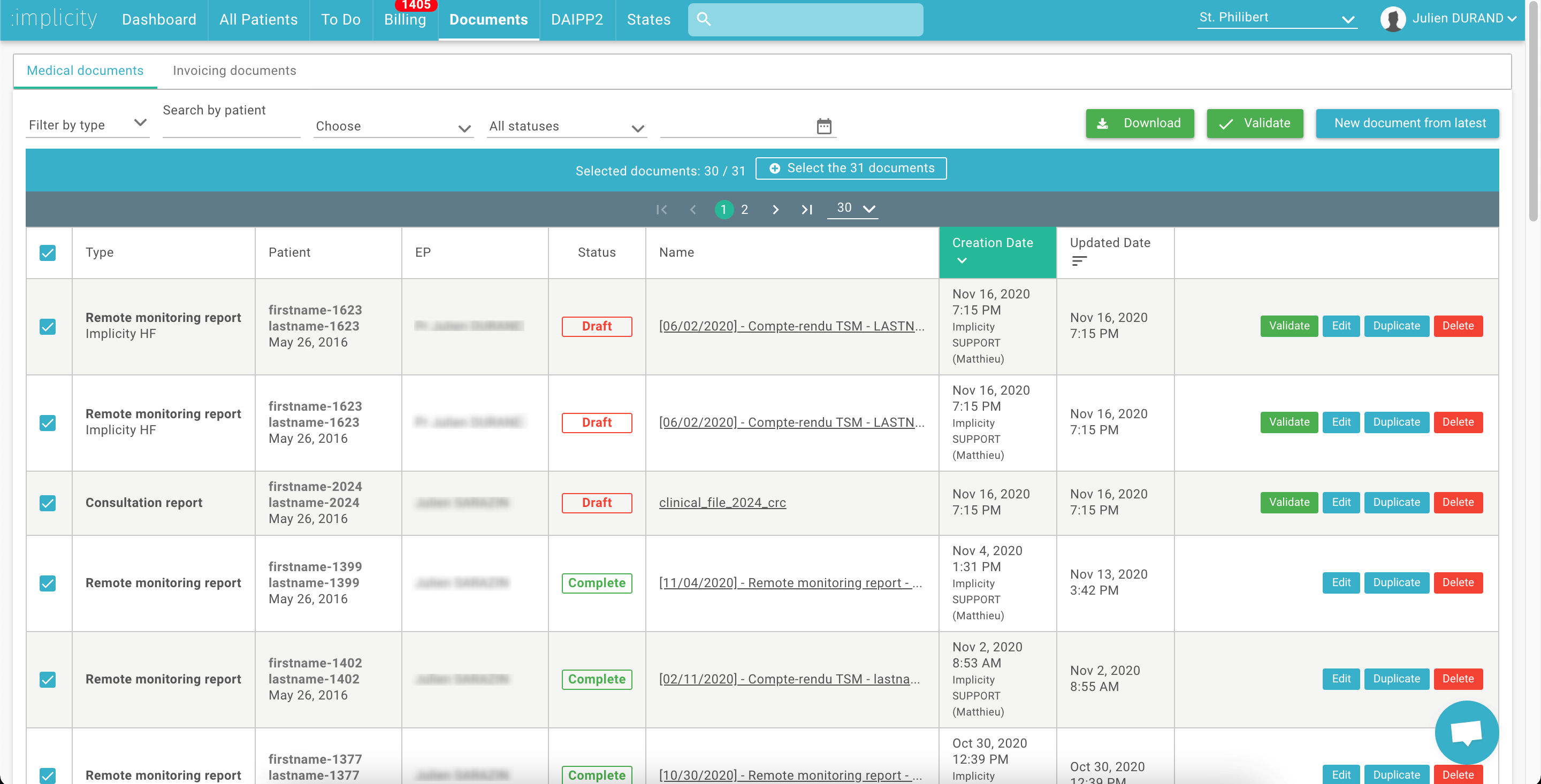
With the "Import files" button you can import files (jpeg, jpg, png or PDF format) with a maximum size of 5.12MB (e.g.: report scan, consent scan). It also allows you to create consultation reports and medical remote monitoring reports on the platform.
You can use the filters to quickly find the drafts reports assigned to you that you need validation.
You can validate the reports one by one, or you can do a mass validation. You can also search for a report, edit it, duplicate it or delete it.
Billing documents
This tab gives access to the list of prescriptions and care sheets generated on Implicity for a patient. You can filter this list by type of billing documents and search by document name.

Transmissions
A second section contains the manufacturer's PDF reports of all transmissions received (alert triggered or scheduled), in chronological order. The date of transmission appears on the left of each PDF report.
If a detail does not appear on Implicity, it is possible to look at the PDFs of the manufacturer's transmissions to find the information you are looking for.
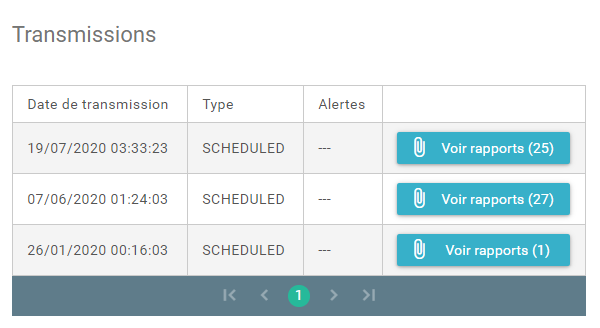
You can directly access the latest reports retrieved from the manufacturer by clicking on the "Latest Reports" icon at the top right of the patient page.

You also have access to manufacturer reports from the document tab and the transmissions section.