Connection
- Go to:
- Europe: https://app.implicity.com
- North America: https://app.implicity.healthcare
The URL above will route you to the Implicity log in page (image 1):
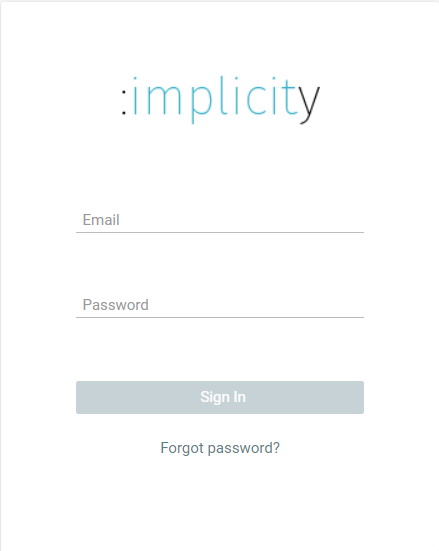
image 1 : Log in page
- Enter your username (e-mail address) and your password.
| Warning: Your username and your password are strictly confidential. Do not disclose them to anyone. |
First connection from your computer
In order to maintain a certain level of security, Implicity set up a "double authentication" verification.
- The following illustrates the page displayed once you enter your username and password

image 2: Two factor authentication via text message
1. Enter the 6-digit code you received by text message in the field « Verification code »(view image above)
2. Click on « validate ».
Note: The Implitcity platform may ask you for this code again later.
General information
- If you do not receive an email from the Implicity platform, make sure you checked the spam folder of your mailbox.
- The second authentication factor will need to be filled in every time you log in on a new computer or device.
- If your laptop or smartphone has been stolen or lost be sure to inform the Implicity team immediately.
- As an administrator, you are responsible of users you grant access to the platform. Delete an employee's user account if they choose to leave the organization.